The panel is the human control surface for setup and operations. It should be used for onboarding, live health checks, key rotation, billing checks, and webhook repair.
Panel screenshot
Panel screenshot
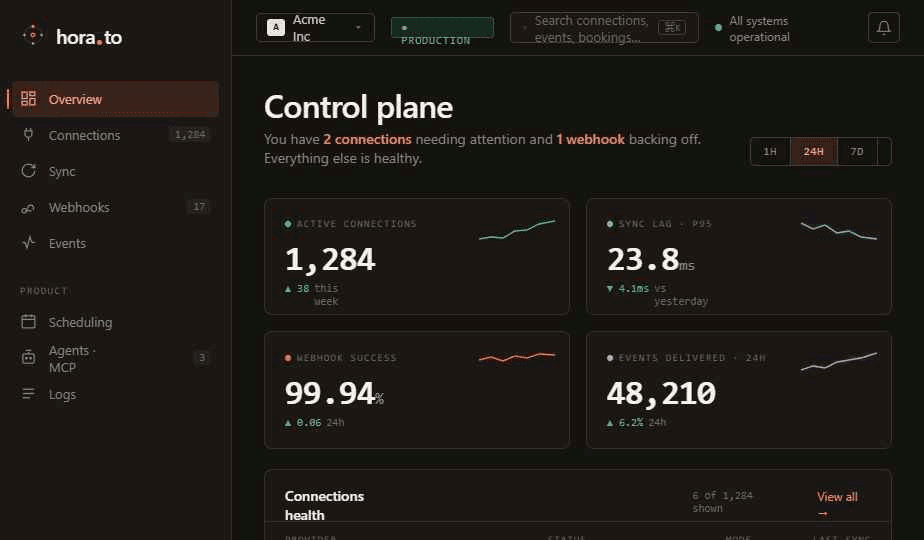
Panel screenshot
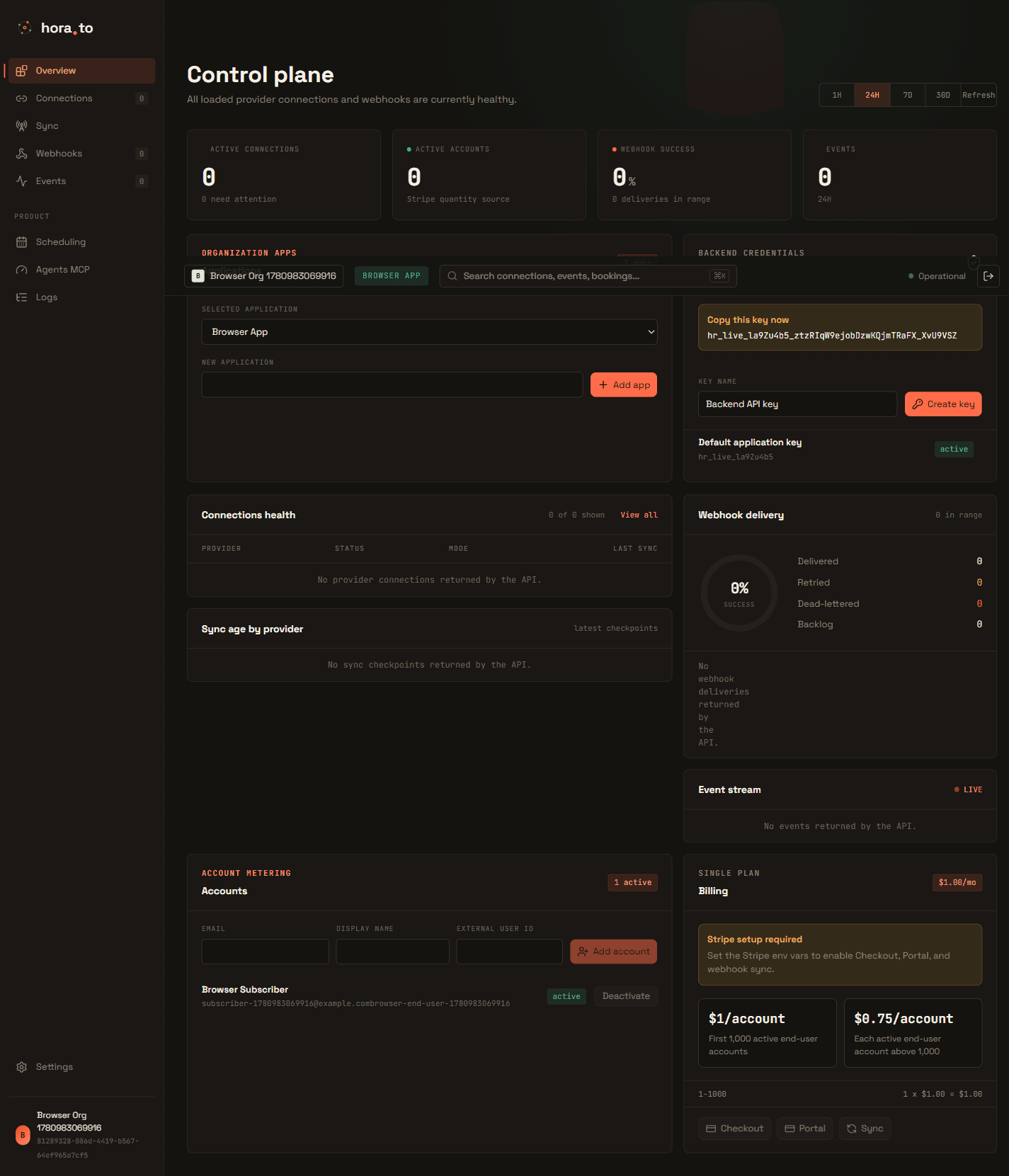
Panel screenshot
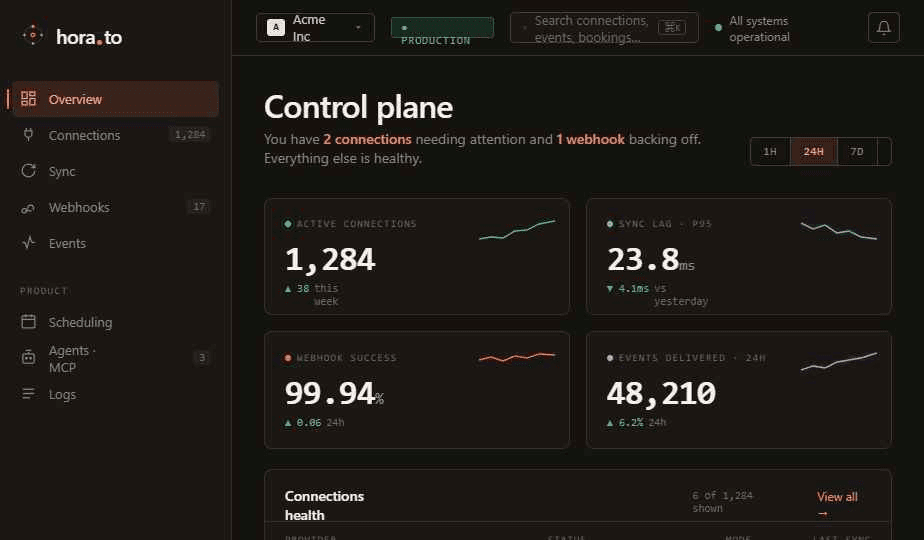
Start with organization and application scope
Choose the organization first, then select the application that owns the API key and account connections. Every API request and panel action should be interpreted inside that application scope.
- Use one application per product environment when staging and production connect different account types.
- Rotate API keys from the same application that serves production traffic.
- Keep account metadata stable so billing and usage charts remain coherent.
Connections and sync health
Use the connections panel before debugging sync or send errors. A connection can be active, degraded, revoked, or incomplete depending on credential state and capability coverage.
- Check connection, account, status, last sync, and capability flags.
- Use refresh only when credentials exist and the connected account supports the requested capability.
- When a capability is not supported, expect
provider_capability_not_supportedrather than a silent fallback.
API keys and usage
Create least-privilege keys for production workers and separate keys for local development. Review usage limits before enabling high-volume sync or webhook replay jobs.
Webhook inspection and repair
Use webhook delivery views to inspect status, attempts, latency, response code, and dead-letter state. Replay only after the receiving endpoint is fixed.
MCP approvals and run history
Read-only tools can execute directly. External writes, email send, booking changes, and destructive operations should create approval records that are visible in the panel and linked to run history.